> For the complete documentation index, see [llms.txt](https://ascent.webvista.studio/llms.txt). Markdown versions of documentation pages are available by appending `.md` to page URLs; this page is available as [Markdown](https://ascent.webvista.studio/pages/main-product/variant-samples.md).
# Variant Samples
Displaying variant samples allows customers to better visualize the product's appearance, reducing return rates caused by color differences and significantly improving the shopping experience and conversion rates. With intuitive and professional color swatches, stores can not only enhance their brand image and professionalism but also gain a competitive edge in the highly competitive e-commerce market.
### Display Color Samples
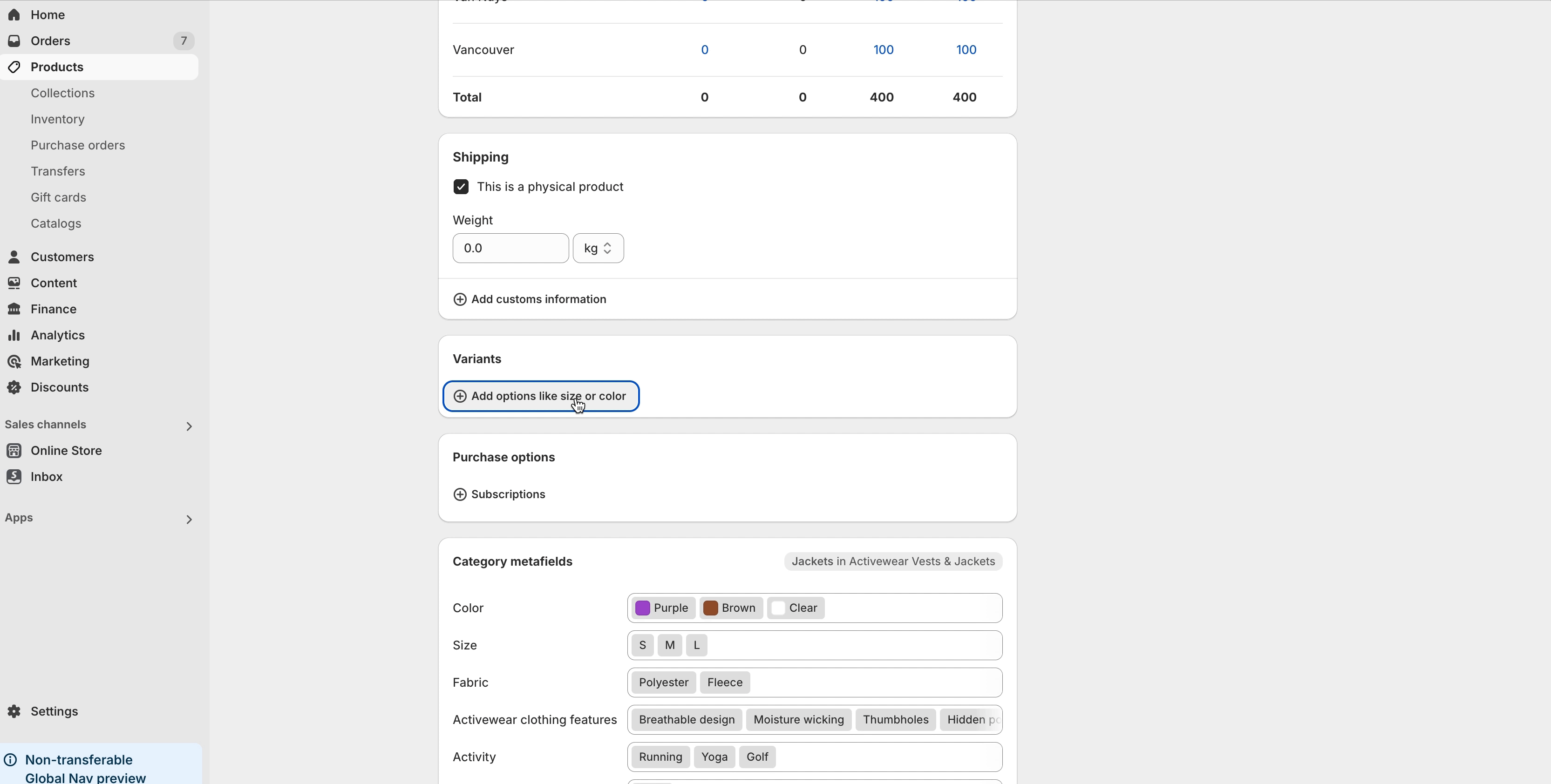
As shown in the image, add color attributes to your products.
{% hint style="warning" %}
Choose System-Provided Color Options Instead of Custom Options
{% endhint %}
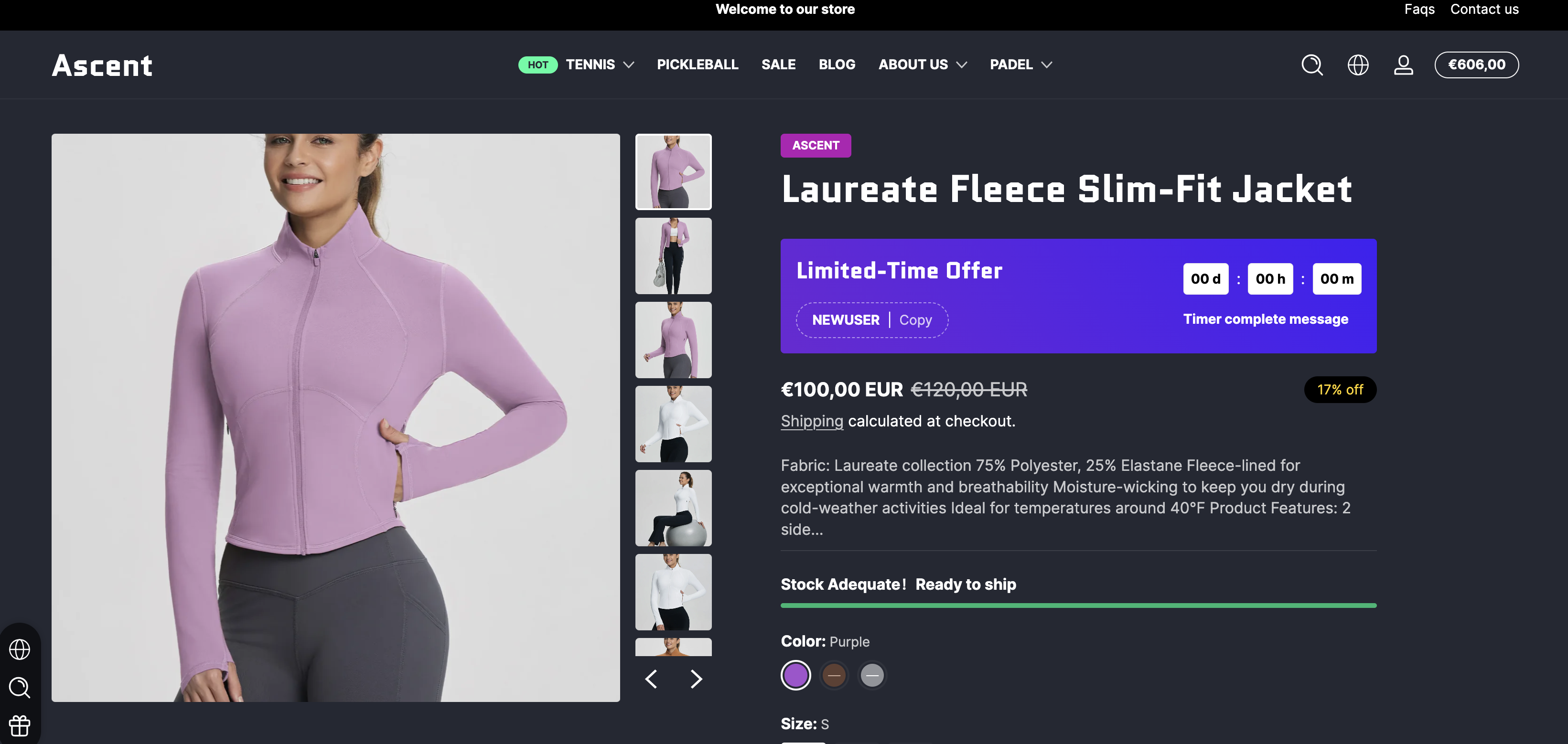
Once Added Successfully, Color Samples Will Automatically Display as Shown Below.
### Display Image Samples
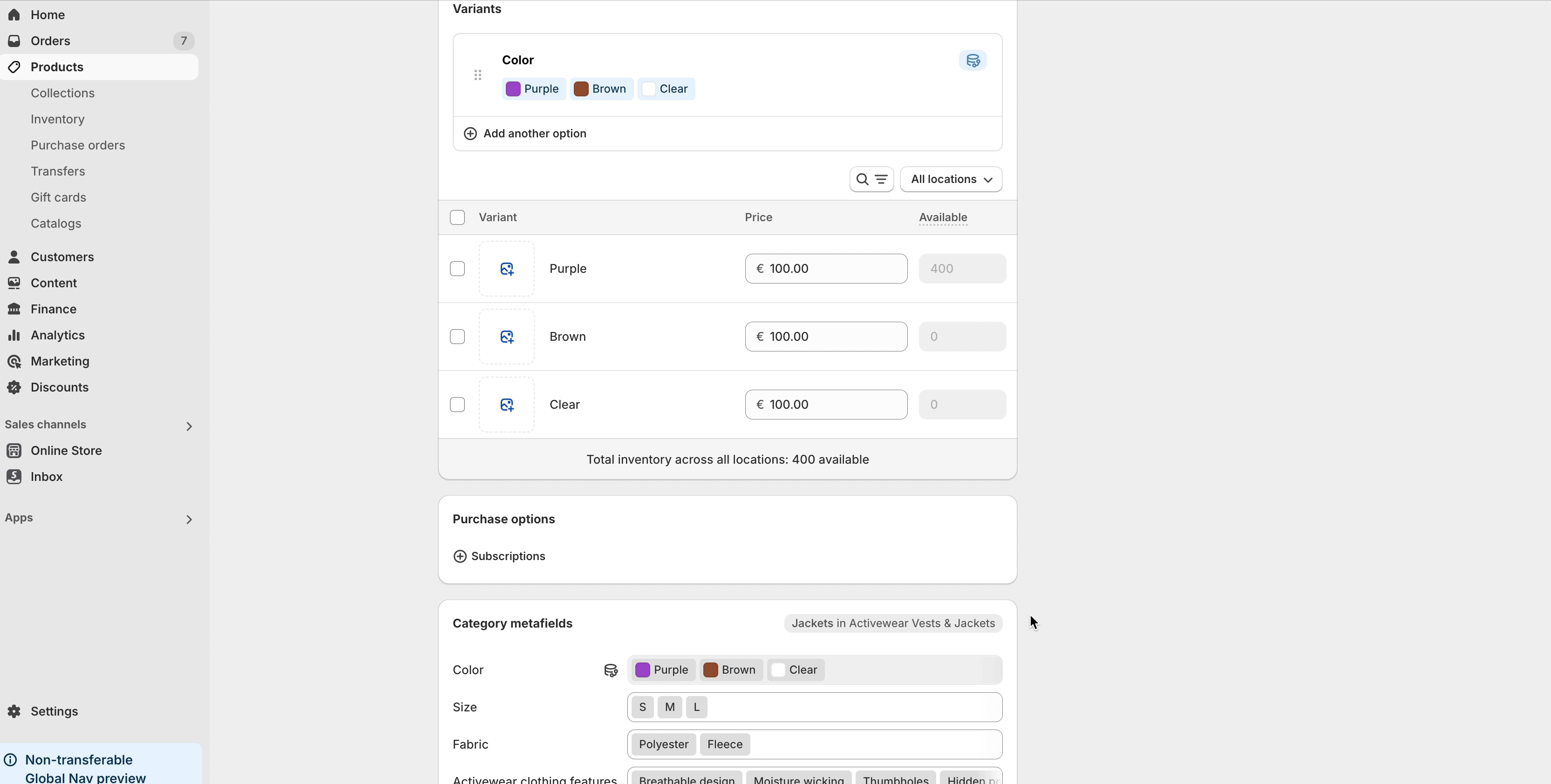
First, you need to add images to the product variants on the product edit page.
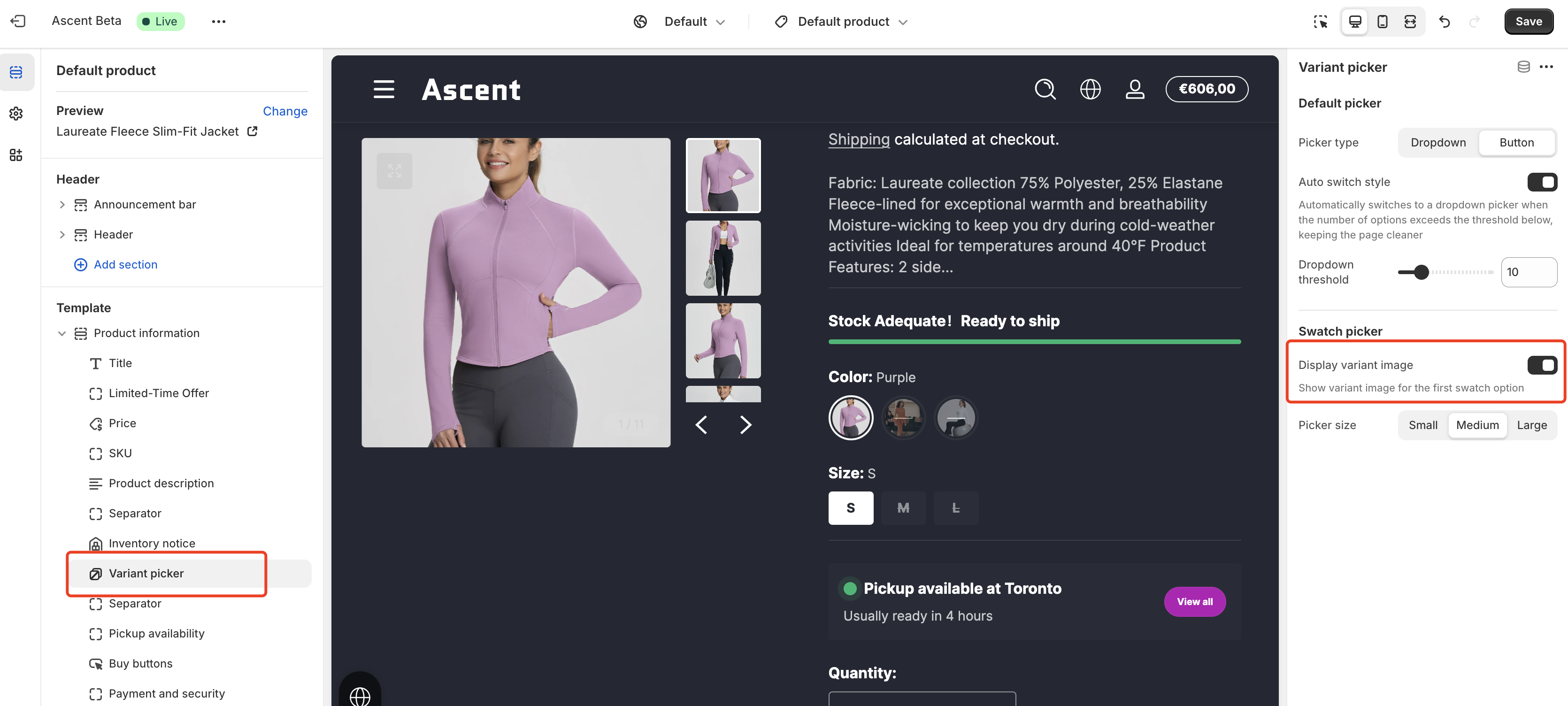
Next, on the template edit page (Product Page), click on the "Variant Picker" block and enable the "Display variant image" checkbox.