> For the complete documentation index, see [llms.txt](https://ascent.webvista.studio/llms.txt). Markdown versions of documentation pages are available by appending `.md` to page URLs; this page is available as [Markdown](https://ascent.webvista.studio/header/custom-mega-menu.md).
# Custom Mega Menu
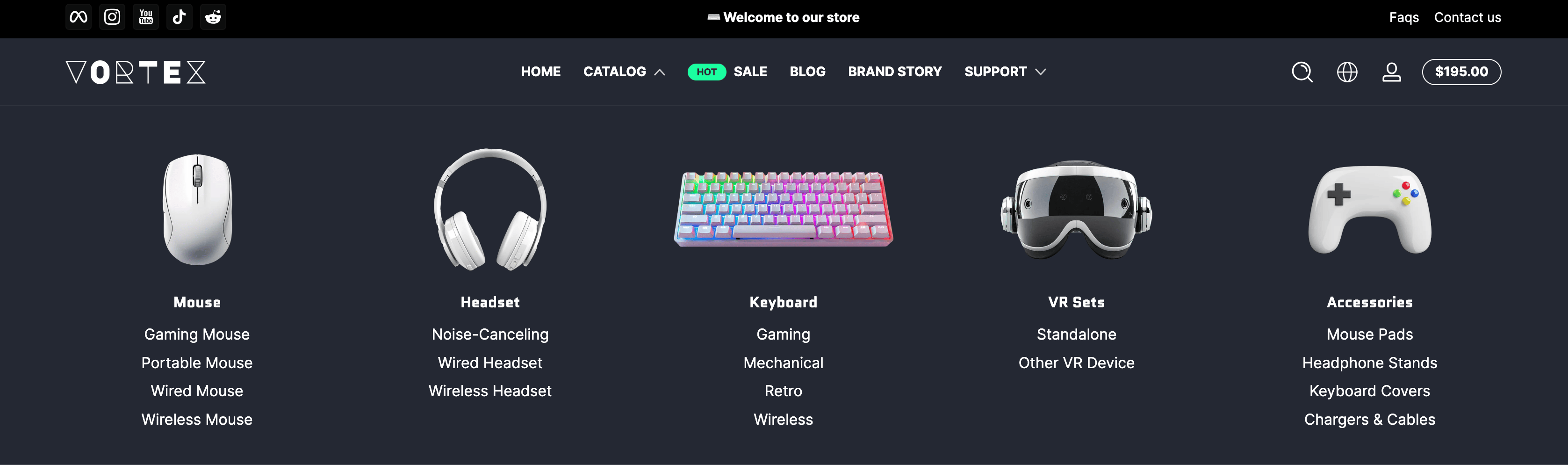
**Mega Menu** is an **advanced navigation menu** designed to display **multi-level content** on a website. Unlike traditional dropdown menus, **Mega Menus** typically expand in a **larger panel format**, allowing **multiple options and categories** to be displayed simultaneously. This enables users to **quickly browse and access more content**. A **custom Mega Menu** can achieve effects like the example shown below, with support for adding **images**.
### **Steps to achieve the effect shown above:**
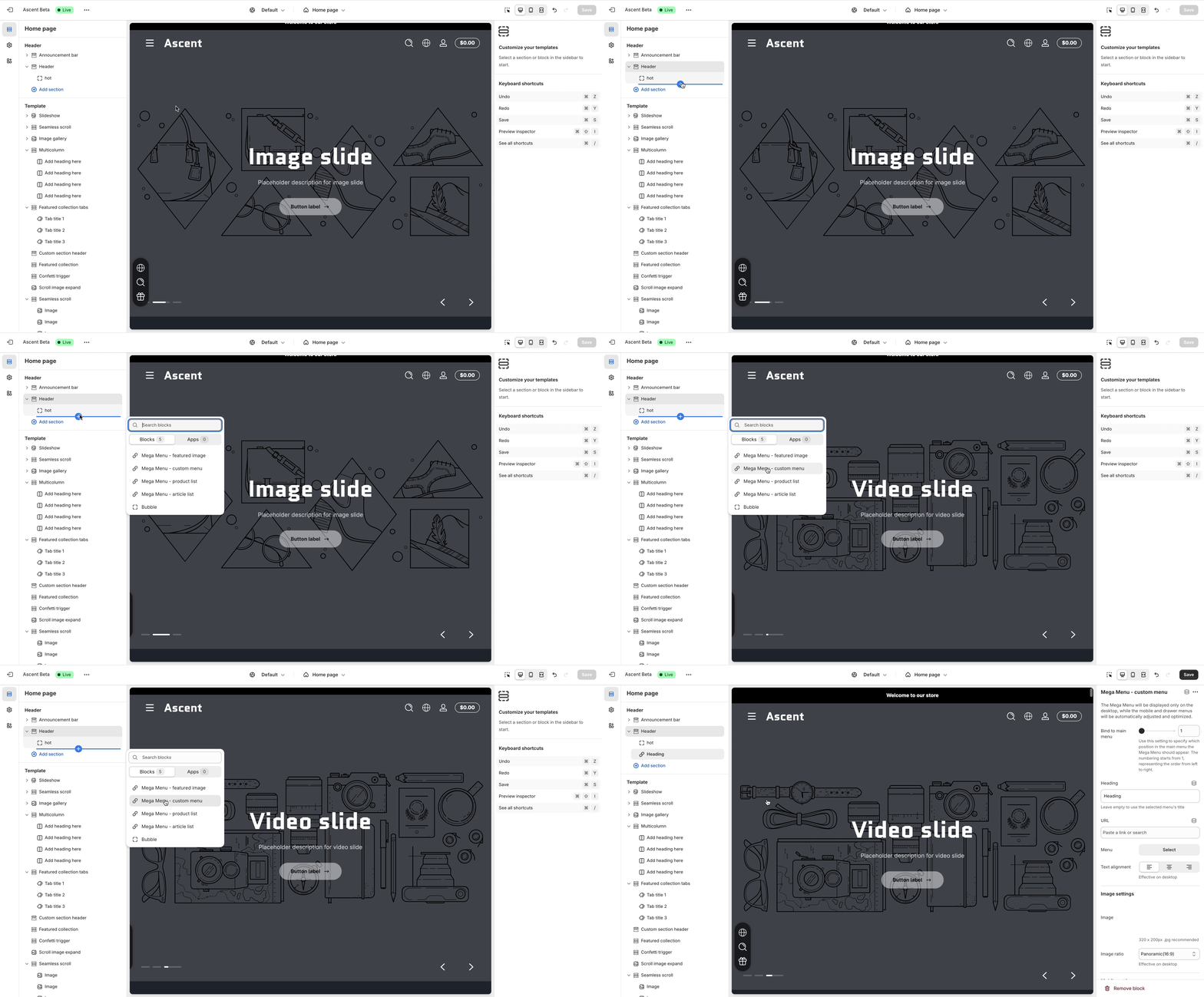
**Step 1: Add a Custom Mega Menu**
**Step 2: Bind to the Main Menu**
Select the main menu index. The example below binds to the **second main menu**.
**Step 3: Select a Submenu**
Choose the menu and configure its alignment. In this example, the menu is **center-aligned**.
{% hint style="warning" %}
Menu content must be added in advance, and only the **top-level menu list** is displayed here.
{% endhint %}
**Step 4: Add Images**
Include images and configure their aspect ratio. Preview the final effect.
**Repeat the steps above to add custom menus and achieve the desired effect in the example.**
.gif?alt=media&token=588b7d4c-486f-41c7-a70b-a08ad3af69cd)
.gif?alt=media&token=e9fa41bc-8c38-40dc-b10d-6f8fd3a692da)
.gif?alt=media&token=1e02cb5e-4d56-4f6f-99bc-5bbf644db68c)